01
Start each shift ready for service
Confirm the assigned line, active menu, service window, staff coverage, and checkout safeguards before the first buyer reaches the counter.
- Line and menu readiness
- Staff coverage
- Account safeguards
For cafeteria teams
Give cashiers, line leads, and service managers one clear rhythm for shift readiness, buyer confirmation, accurate orders, account signals, and responsible handoffs.
Main Lunch · Station 02
Live service pulse
Orders served
147
Queue
3
Avg. handoff
22 sec
Exceptions
2
Now serving
Maya Brooks
Grade 6 · Buyer confirmed
01
Identity
Confirmed
02
Order
3 items
03
Account
$28.40
Experience the team workflow
Complete a sample order, check shift readiness, and compare staff responsibilities. The preview focuses on the team decisions around checkout without touching real school accounts.
This public preview does not call application APIs, submit orders, change wallets, or modify staff access.
Main Lunch · Station 02
Service team workspace
Orders served
147
Today’s completed orders
Queue
3
Sample buyers waiting
Average handoff
22 sec
Identify through completion
Line status
Ready
Menu and safeguards active
Buyer confirmed
Grade 6 · STU-3182
Current order total
$7.50
A repeatable rhythm for the rush
The service workspace keeps readiness, identity, account context, menu choices, and order status close together so the team can move quickly without skipping the details that matter.
Confirm the assigned line, active menu, service window, staff coverage, and checkout safeguards before the first buyer reaches the counter.
Search, lunch-card, and profile signals help staff confirm who they are serving before selecting items from the assigned menu.
Clear statuses help the team distinguish a routine checkout from a balance warning, unavailable item, or situation that needs a lead.
From readiness to handoff
A strong team experience is not just fast. It keeps routine work focused, surfaces exceptions early, and makes it clear when a cashier can continue or when a lead should step in.
Confirm the active line, menu, service window, staff coverage, and account safeguards before service.
Use supported search or lunch-card workflows, then keep identity and account context visible.
Choose from the assigned menu and make item quantities, availability, and totals easy to review.
Finish routine orders confidently and send exceptions to the right lead without blurring responsibilities.
Buyer-first context
The selected buyer, school identifiers, lunch-card status, and relevant account signals remain close to the current order.
Queue momentum
A repeatable identify, review, complete, and reset rhythm reduces the effort of reconstructing checkout context.
Visible exceptions
Account safeguards, unavailable items, and service issues can be surfaced as actionable states rather than hidden surprises.
Responsible handoffs
Cashiers, line leads, and service managers can share the same service context without sharing every permission or administrative control.
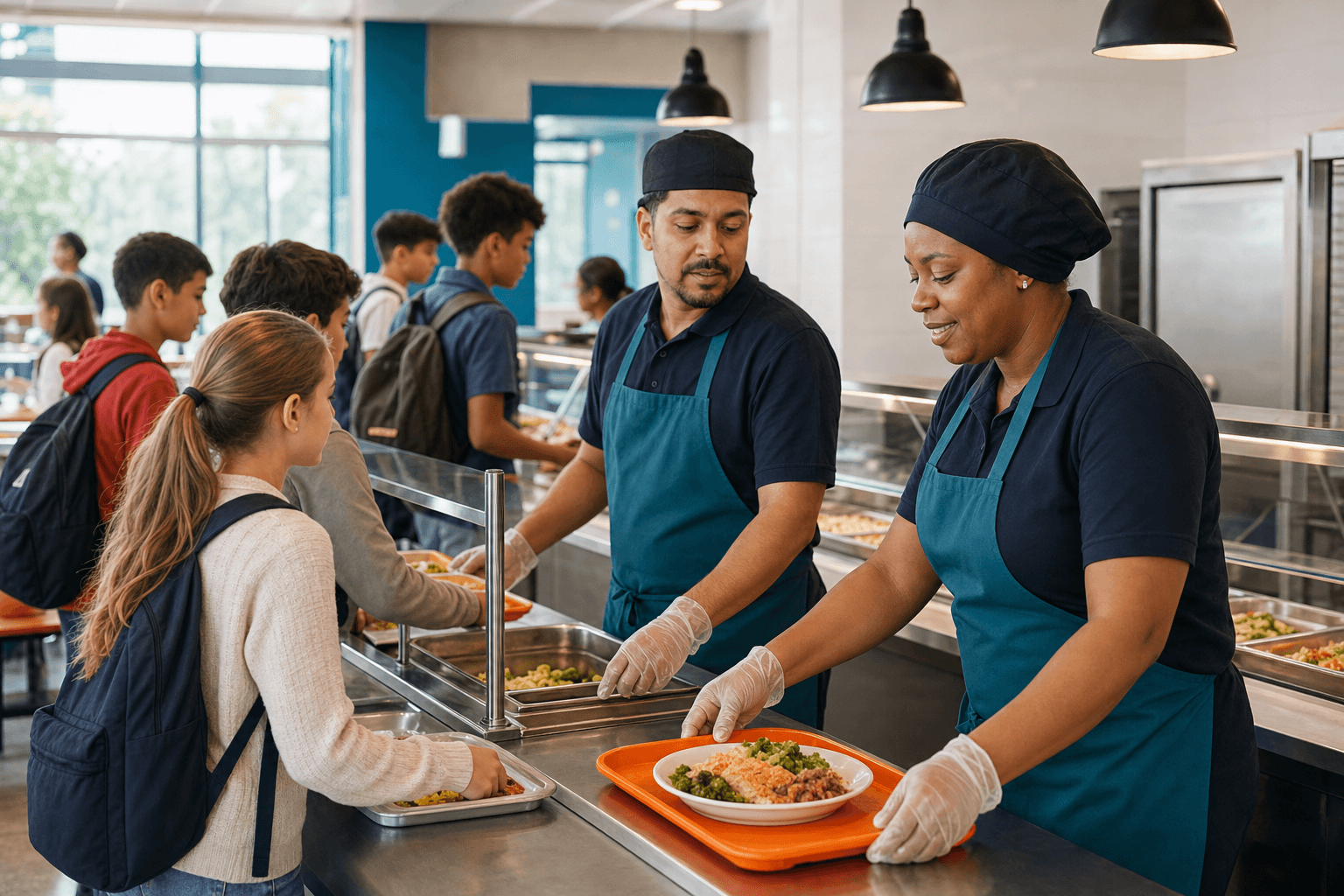
Calm under pressure
Keep the team aligned even when the lunch line is at its busiest.
Designed around the people serving lunch
Cafeteria staff need a focused workspace that helps them act quickly while preserving buyer identity, account signals, accurate orders, and responsibility boundaries.
Ready before service
Line, menu, hours, coverage, lookup, and escalation paths can be understood before the first order.
Focused during checkout
The current buyer and order stay prominent while the active menu supplies the choices staff need.
Clear after every action
Completion, warning, and handoff states make the next responsible step easier to recognize.
Keep exploring
Related workflow
School cafeteria POS software for student lunch cards, verified checkout, meal account balances, menus, and purchase history. Explore the POS and request a demo.
ExploreRelated workflow
Follow one sample lunch from school setup and household funding through checkout, wallet posting, family history, and school reporting.
ExploreRelated workflow
Compare school cafeteria POS systems with a vendor scorecard, pricing checklist, seven demo scenarios, and questions about hardware, migration, and support.
ExploreFrequently asked questions
Need to map cashier access, line-lead responsibilities, account safeguards, or shift readiness to your cafeteria? We can walk through the service model.
No. Schools can give cashiers focused access to buyer verification, the active menu, and checkout while reserving configuration, financial reporting, and staff administration for the appropriate roles.
Supported workflows include buyer search, school identifiers, and lunch-card lookup. The selected profile and account context remain visible before and during the order.
Checkout can surface available-balance context, configured safeguards, and clear warnings so staff can follow the school’s process or involve an authorized lead without guessing.
Yes. A cashier, line lead, and service manager can receive different permissions and responsibilities while remaining in the same active-school and service-line context.
Walk through shift readiness, buyer confirmation, order building, and role-aware handoffs with your team.