For families

Know what is available, what is processing, and where lunch funds went.

Bring household balances, linked students, top-ups, payment status, and cafeteria purchase history into one family experience designed to answer the next question clearly.

  • Household-scoped access
  • Transparent funding status
  • Student purchase context

Martinez Household

Family account overview

Authorized

Current balance

$84.25

Posted household funds

Available now

$79.50

After open-order holds

Bank top-up processing

Started yesterday · Not posted yet

+$25.00

SM

Sofia Martinez

Grade 5 · $8.50 today

JM

Jordan Martinez

Grade 7 · $6.75 today

Shared funds. Distinct student activity.

Experience the family account story

Move from “What happened?” to the answer families need next.

Explore a household overview, plan a sample top-up, and filter purchase history by linked student. Every view uses sample data and keeps household access, funding status, and student context easy to distinguish.

This public preview does not collect payment details, call application APIs, submit top-ups, or access family records.

Interactive Family Portal preview
Sample data • no family or school records are accessed

Martinez Household

Family Portal

Current balance

$84.25

Posted household funds

Available now

$79.50

After open-order holds

Processing

$25.00

Bank top-up pending

Linked students

2

Authorized household access

Household members

Linked students share funds, not identities

Selected student

Sofia Martinez

Authorized link

Purchase details remain attached to Sofia Martinez, while available lunch funds come from the shared Martinez household wallet.

Family overview opened with sample household balances and linked students.

One household story, clear boundaries

Bring access, funds, students, and history together without blending them.

Families need one place to manage lunch funds, but each state still has a distinct meaning. Authorized relationships control access, the household owns the wallet, payments have their own lifecycle, and purchases retain student context.

01

Connect only the authorized household

Invitations and reviewed access requests connect eligible adults to their household and linked students without exposing school-wide records.

  • Authorized family relationships
  • Linked student visibility
  • Invitation and access-request paths
02

Separate every stage of family funding

Current balance, available funds, open-order holds, processing top-ups, and posted payments remain distinct so families can understand what can be spent now.

  • Current and available balance
  • Processing payment status
  • Posted wallet activity
03

Explain activity with student context

Purchase history connects each completed cafeteria order to the relevant student, date, items, and amount while the household wallet remains shared.

  • Student-specific purchases
  • Item and order details
  • Searchable account history

From invitation to explanation

Give every account state a clear meaning and a useful next step.

A trustworthy family experience helps authorized adults understand not just the number on screen, but which household it belongs to, what changed it, whether a payment is final, and which student activity provides context.

  1. 01

    Receive authorized access

    A school invitation or reviewed access request connects an eligible adult to the correct household.

  2. 02

    See the household clearly

    Shared funds, linked students, current balance, available balance, and relevant account states stay together.

  3. 03

    Fund with context

    Review the amount, method, timing, fee, and projected wallet outcome before starting a top-up.

  4. 04

    Follow every change

    Connect posted funds and cafeteria purchases to dates, amounts, items, and the student who was served.

Authorized relationships

Keep household access deliberate and school-approved.

Invitations, reviewed requests, and household relationships create a focused family experience without exposing school-wide people or records.

Balance clarity

Explain what is posted, held, processing, and available.

Families can distinguish wallet funds from open-order holds and payments that have not completed yet.

Shared funds

Let students share a wallet without blending their activity.

The household provides one authoritative source of lunch funds while each purchase retains the relevant student identity.

Useful history

Show the detail behind each account movement.

Top-ups, purchases, adjustments, and refunds can remain part of one understandable household story with dates, amounts, and context.

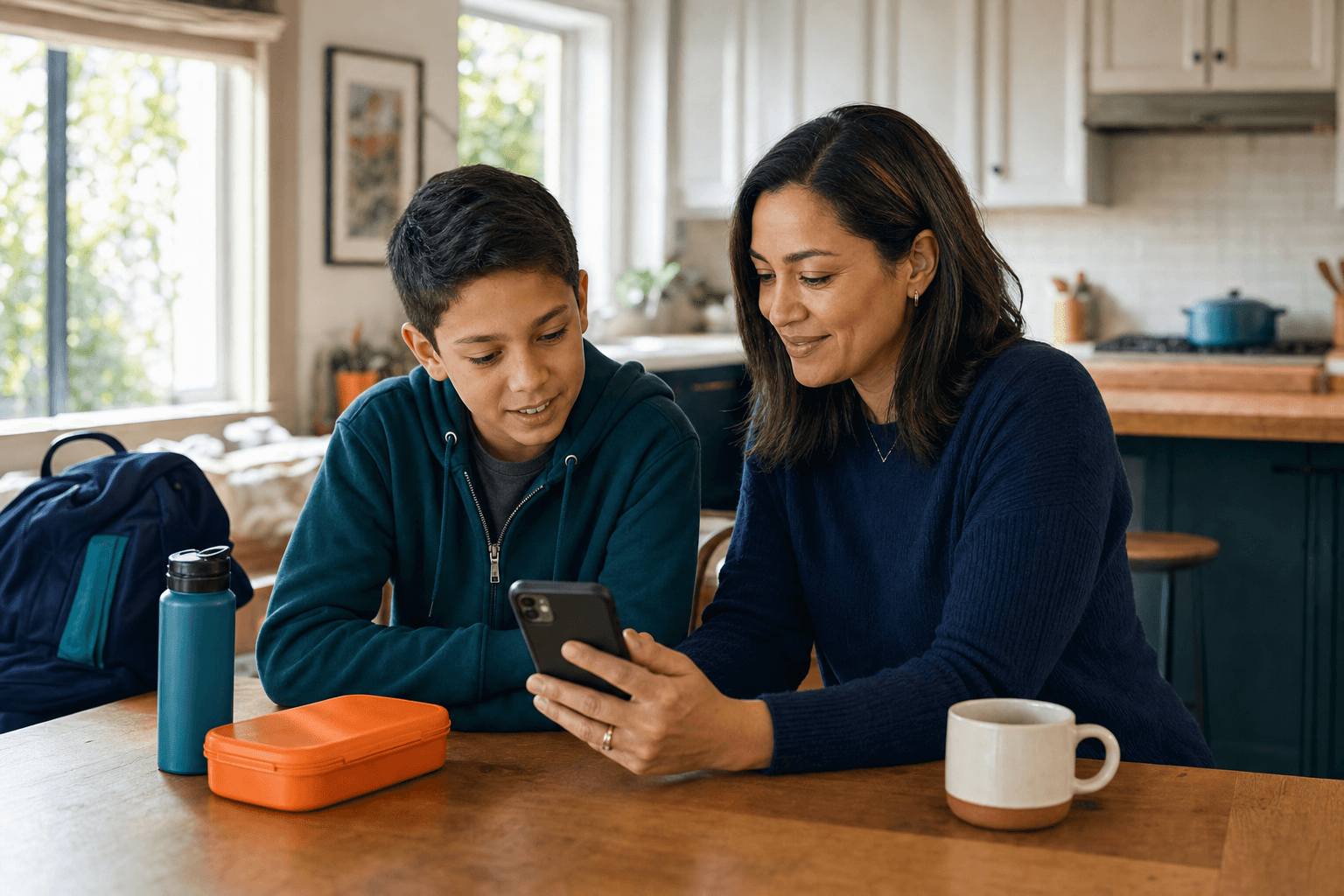
A parent reviewing school cafeteria funds and student activity

Confidence for families

Understand the balance, the payment, and the purchase without piecing together separate stories.

Designed around the next family question

Turn account activity into answers families can act on.

A useful portal goes beyond showing a total. It connects authorized access, shared household funds, payment timing, linked students, and purchase detail so each screen answers a practical question.

  • Can lunch funds be used now?

    Current balance, open-order holds, available funds, and processing payments remain visibly distinct.

  • Which student made this purchase?

    Linked-student context stays attached to cafeteria items, dates, and order amounts.

  • What should the family do next?

    Funding, processing, posted, and history states each present a clear and responsible next action.

Frequently asked questions

What families ask about access, funds, and cafeteria activity.

Need to understand household access, balance differences, top-up status, or student purchase history? These answers explain how the family account model fits together.

How does a family receive access?

Access is established through an authorized school invitation or a family access request that the school can review. The resulting experience is limited to the approved household relationship.

Can more than one authorized adult manage the household wallet?

Yes. Eligible family members can be linked to the same household, while access remains based on school-approved relationships and account permissions.

Why can the available balance differ from the current balance?

Available balance accounts for open cafeteria-order holds. Processing payments remain separate until they complete and post to the household wallet.

Can families see which student made a cafeteria purchase?

Yes. Purchase history can retain the student, date, items, amount, and order context even when linked students share the same household wallet.

Give families a clearer story for every lunch-dollar change

Explore how household access, transparent top-ups, shared funds, and student purchase details fit together in the Family Portal.